English
 Arabic
 French
 Spanish
 Portuguese
 Deutsch
 Turkish
 Dutch
Dutch
 Italiano
 Russian
 Romaian
 Portuguese (Brazil)
 Greek
Greek
VPN for Zimbabwe – Top Picks & Online Freedom Tips
Games |
2025-10-06 01:17:00
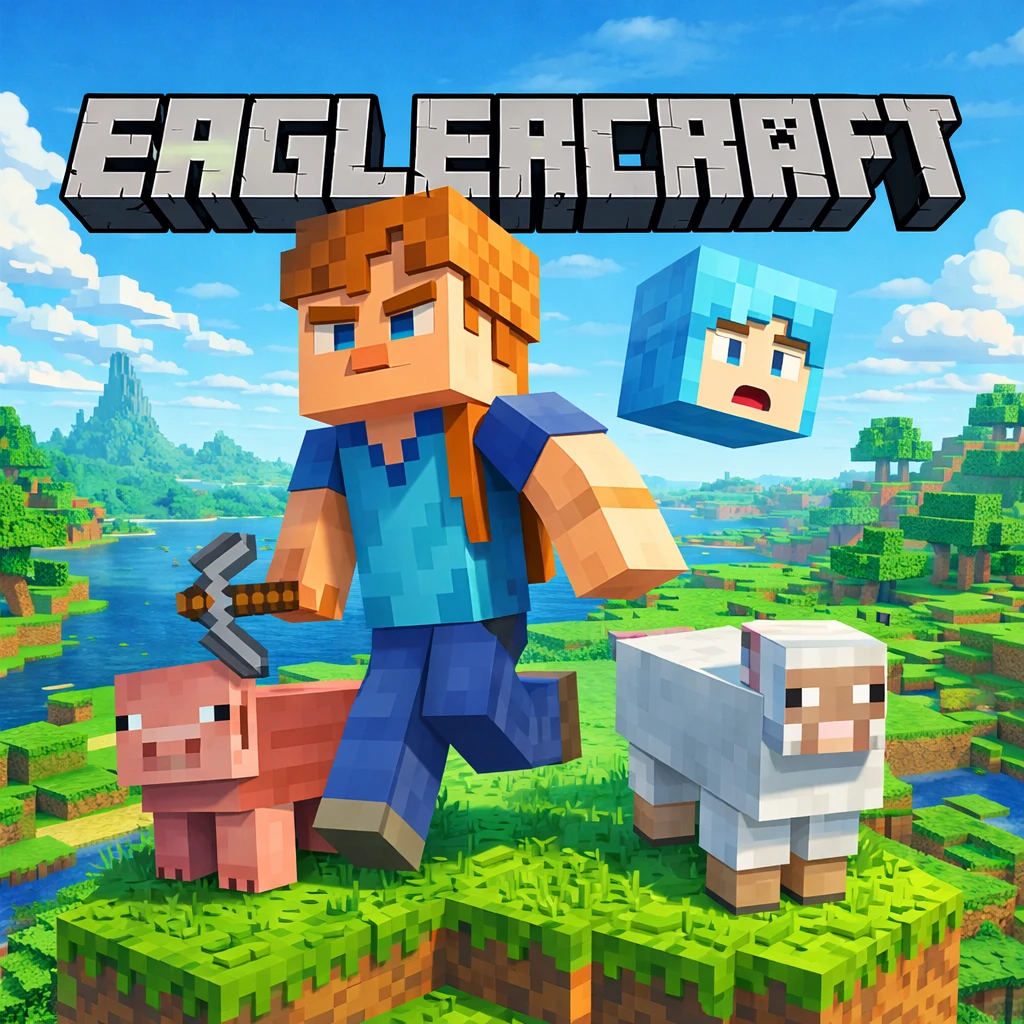
Have you ever found yourself stuck on a slow afternoon, wishing you could dive into a quick gaming session without downloading heavy files or installing massive updates? Sometimes, you just want to open a tab and start playing immediately. Browser games have evolved incredibly over the years, and one of the most interesting projects out there right now is Eaglercraft. It essentially brings the classic block-building survival experience right to your web browser. Let's take a look at how to jump into this accessible little sandbox and make the most of your adventure.
How the Gameplay Works
The core of the game will feel incredibly familiar if you have ever played a voxel-based survival or crafting game. It is a remarkably faithful browser adaptation of classic survival mechanics. Once you load the webpage, you are greeted with a simple menu allowing you to choose between single-player or multiplayer modes.
The controls are standard for PC gaming: use the WASD keys to move around, the spacebar to jump, the left shift key to sneak, and your mouse to look around, break blocks, and place items. Pressing 'E' opens your inventory, where the classic grid-based crafting system awaits. In single-player, you are dropped into a vast, randomly generated world where your goal is entirely up to you—survive the elements, mine deep underground for precious resources, or simply build a peaceful farm. If you prefer playing with others, the multiplayer mode allows you to join custom servers, interact with an active community, and participate in fun mini-games or massive cooperative builds.
Tips for a Better Experience
Surviving and thriving in a browser environment can sometimes be slightly different from using a dedicated desktop application. Here are a few friendly tips to help you get started on the right foot:
Conclusion
Whether you are looking to kill some time during a quiet lunch break, or you just want to relive the simple nostalgia of classic voxel survival without installing anything, this browser-based gem is definitely worth checking out. It is lightweight, surprisingly robust, and completely free of complicated setups or annoying microtransactions. It proves that great gameplay doesn't always require a high-end gaming rig. So, open up a new tab, generate a fresh world, and see what you can build today!